Artworky
Album art for your Mac's desktop, that moves with your music — see your covers land on every beat
One-time purchase · macOS 14.2 or later · Apple silicon & Intel
Make it yours
Make your Mac
your music.
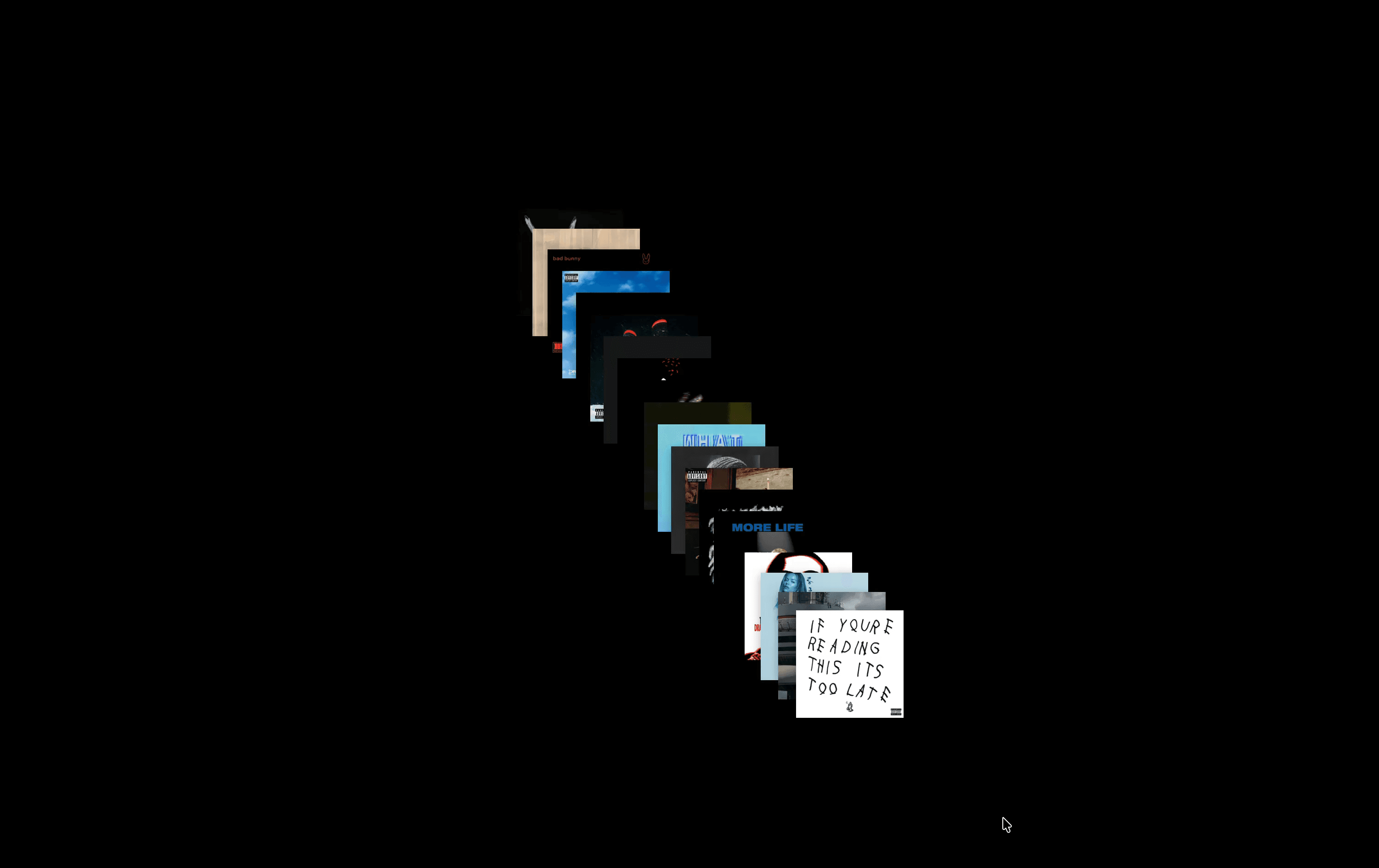
Every part of the loop is yours to shape — which albums stay, whether it dances or holds still, how fast it runs, how big the covers sit.
12 of 20 albums collected
Display
Only what you play
Artworky collects the albums you play — right-click any cover in the menu to drop it.
Move, or stay still
Land a cover on every beat, or pause motion and keep the loop still.
Set the pace
From an easy 0.5× to double-time 2×, every cover in step with the beat.
Size the covers
Small squares, big bold ones, or anything between the two.
Five minutes
Install in five steps
No installer, no account. Download it, drop it in, grant a couple of permissions, and let it loop.
Auto-updates via Sparkle- 1
Download the app
Grab Artworky-1.0.dmg and open it.
- 2
Move to Applications
Drag Artworky.app into your Applications folder.
- 3
Open & allow access
Launch Artworky and allow system audio and Music or Spotify when macOS asks. Never your microphone.
- 4
Activate
Paste your license key into the window that opens to unlock.
- 5
Press play
That's it — covers start landing on your desktop. Tune it from the menu bar.
FAQs
Good questions
Artworky lays a trail of album covers along a big infinity loop on your desktop that reacts to whatever's playing in Music or Spotify — covers come from what you play, motion follows the beat. It also keeps your 20 most recent albums in the menu bar.